
The online personal training appfor live sessions over Google Meet
CoachOne is an online personal training app for iPhone. Clients book and pay for online sessions the same way as in person ones. Connect Google Calendar and each one lands there with a Google Meet link.
iOS · Free to use
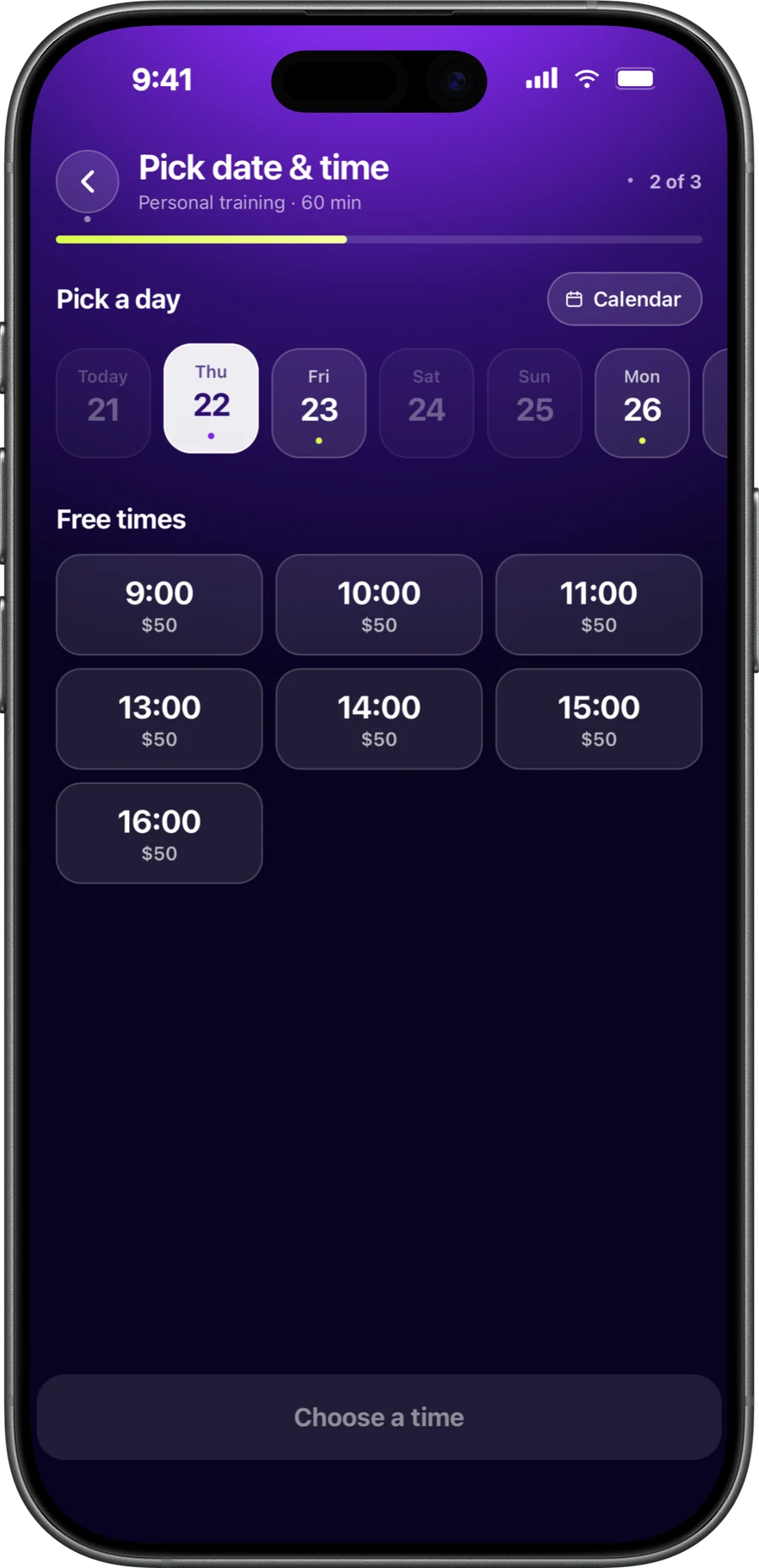
Online sessions.Same setup as in person.
An online session should not need its own system. In this online personal training app, it is a service like any other, with the same options.
Private, duo or group
Offer one to one calls, duo sessions or a small online group, each with its own price, duration and capacity.
Fixed or flexible
Run a weekly online class at a fixed time, or open flexible dates for virtual training sessions that fit around your week.
Booked from anywhere
Clients can book online coaching sessions from wherever they live. They open your booking link and pick a time, in the CoachOne app or online on any phone.
Card or Apple Pay
Online coaching payments work like any card booking: a hold on the client's card first, and the charge after the session ends.
Google Meet personal training,without copying links around.
Connect Google Calendar in the app and CoachOne adds each online session to your calendar with a Google Meet link. The event holds the date, time, title, and the client's name and email.
When a session is moved or cancelled, CoachOne updates or removes that calendar event. Google may also send the client an invitation email for it.
Google Meet runs the call. CoachOne does the booking, the payment and the record, but it does not host or record video.
- Online sessions added to your Google Calendar with a Meet link
- Moved or cancelled sessions updated there too
- Your busy times checked, so clients cannot book over them
- Clients do not need a Google account to book
What CoachOne sees.And what it does not.
Connecting Google Calendar is optional. If you do, this is everything CoachOne accesses, as listed in section 6 of our Privacy Policy.
| Topic | What CoachOne accesses | Why |
|---|---|---|
| Events CoachOne creates | Date, time, title, client name and email, Google Meet link | To add, update or remove your online sessions |
| Your busy times | Only that you are busy, not what the event is | So clients cannot book a time when you are taken |
| Connected account | The email address of the Google account | To show you which account is connected |
| Your other events | Never read, changed or deleted | CoachOne only needs the sessions it books |
The access token is stored encrypted on servers in the UAE. Google data is never sold, used for advertising or used to train AI models.
Your first online session,in four steps.
Connect Google Calendar
Do it in the app. It is optional, and you can disconnect it again at any time.
Create an online service
Set the service as online, then pick private, duo or group, the price and the payment methods.
Share your booking link
Send it to clients wherever they are. They book and pay in the CoachOne app, or straight from the link with nothing to download.
Open the Meet link
At session time, join from the Google Meet link in your Google Calendar.
An online personal training appfor live sessions.
Online coaching covers a lot. Some trainers coach live on video, others send a programme each week. CoachOne handles the live side: booking, payment, reminders, one chat per client and the client record.
It does not deliver workout programmes or track training data. If you sell programmes too, keep your programming tool alongside CoachOne for that part.
If you disconnect Google Calendar, CoachOne deletes its access token straight away and stops changing your calendar. Sessions it already added stay there until you delete them.
Questions aboutonline sessions.
Create an online service in CoachOne, connect Google Calendar for Meet links, and share your booking link. Clients book and pay in the app or online from the link, and you meet them on Google Meet.
No. Clients book without one, in the CoachOne app or online from your link on any phone, including Android. Google may still send them a calendar invitation for the session.
No. Google Meet provides the call itself. CoachOne takes care of the booking, the payment and the record of the session.
CoachOne moves the event it created to the new time, and the reschedule shows up in your chat with that client. If the session is cancelled instead, the event is removed.
No. It only checks when you are busy, not what those events are, and it never reads, changes or deletes them.
By card or Apple Pay, in the app or online from your booking link. A hold goes on the card first and the charge follows after the session's scheduled end time. Clients are charged in euro and see the amount before confirming.
No, it is optional. Without it, CoachOne does not create Google Meet links or check your Google Calendar for busy times.
Your next clientcan book tonight.
Download CoachOne, set your usual hours, and share your link.
iOS · Free to use