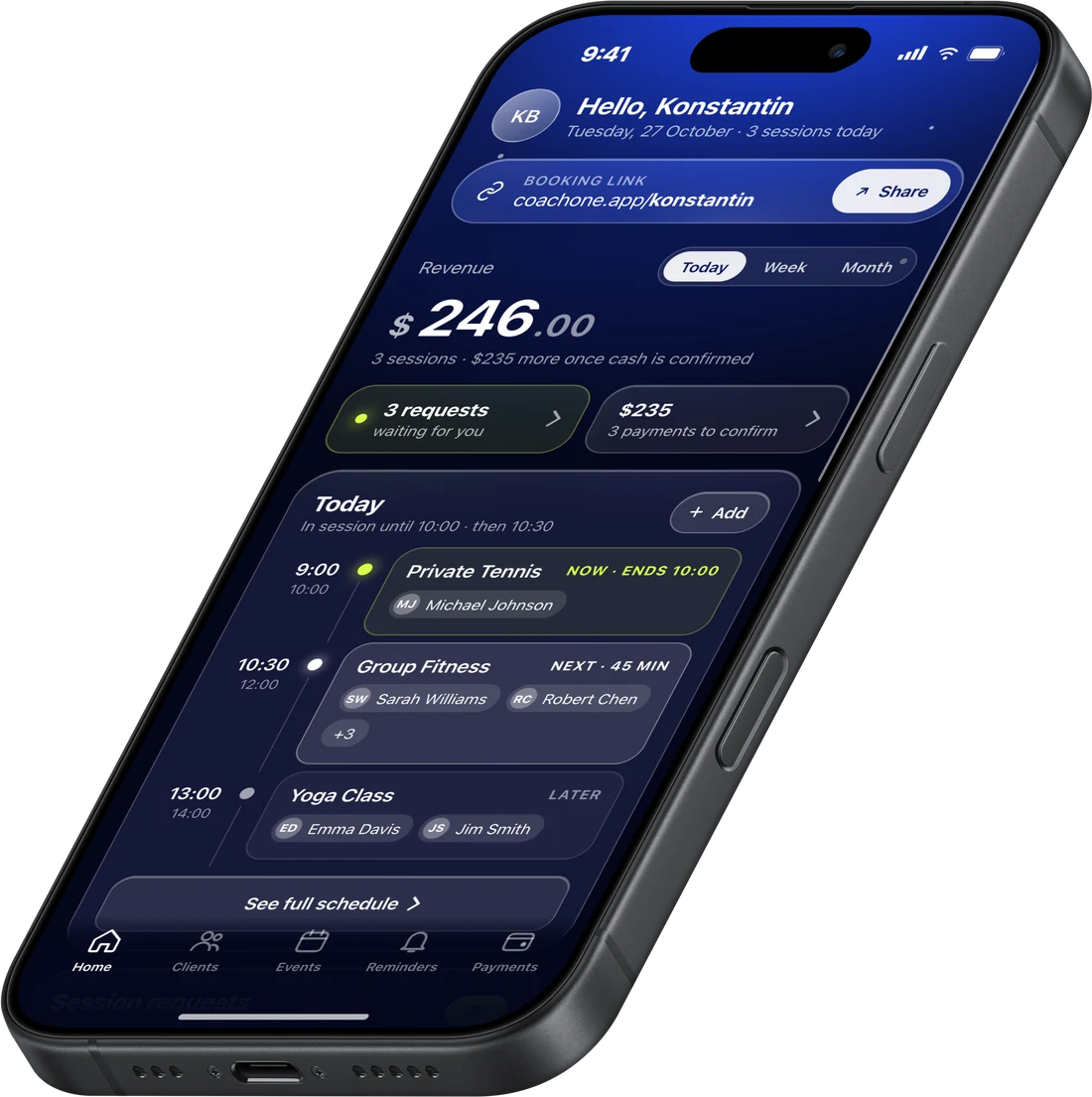
The session was great.Then the admin starts.
You chase clients for sessions you already delivered.
Bookings spread across WhatsApp, DMs and voice notes. Big chaos.
The spreadsheet is always one week out of date.
Clients forget about you because you never follow up.
Your evenings go to admin instead of coaching.
So simple, you can set it upbetween sessions.
No training. No manual. No laptop. If you can send a WhatsApp message, you can run your business on CoachOne.
Free until 10:30
- Payments ready in 3 minutes.Put your info once in the app. Then take card and Apple Pay.
- One link for bookings.Share it anywhere. Clients book in the app or straight from the link online.
- Runs from your phone.Check today's sessions on the court, at the gym, or between clients.
Built for the trainerwho runs the whole show.
Independent Sport Trainers who sell their time in sessions. Not gyms, not studios. If clients book you, pay you, and come back to you, CoachOne fits.
- Personal trainers
- Tennis coaches
- MMA coaches
- Yoga instructors
- Swim instructors
- Boxing coaches
- Pilates instructors
- Running coaches
- Golf coaches
- Ski instructors
- Climbing coaches
- Surf instructors
Set up once.Then let clients book.
- 01
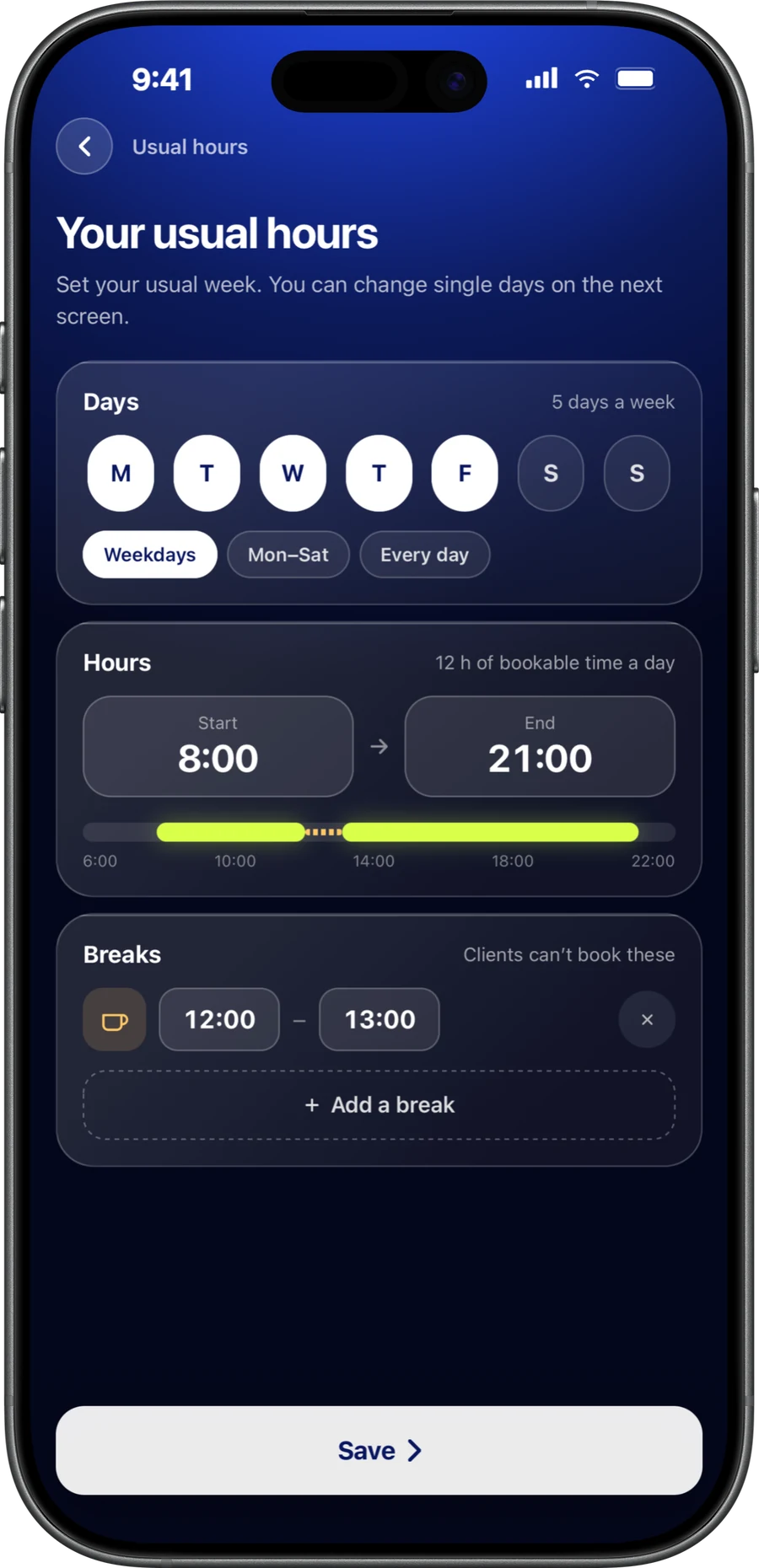
Add your sessions and schedule.
Set the price, length, and the times you're free. Private, duo, or group. Weekly sessions repeat on their own.
- 02
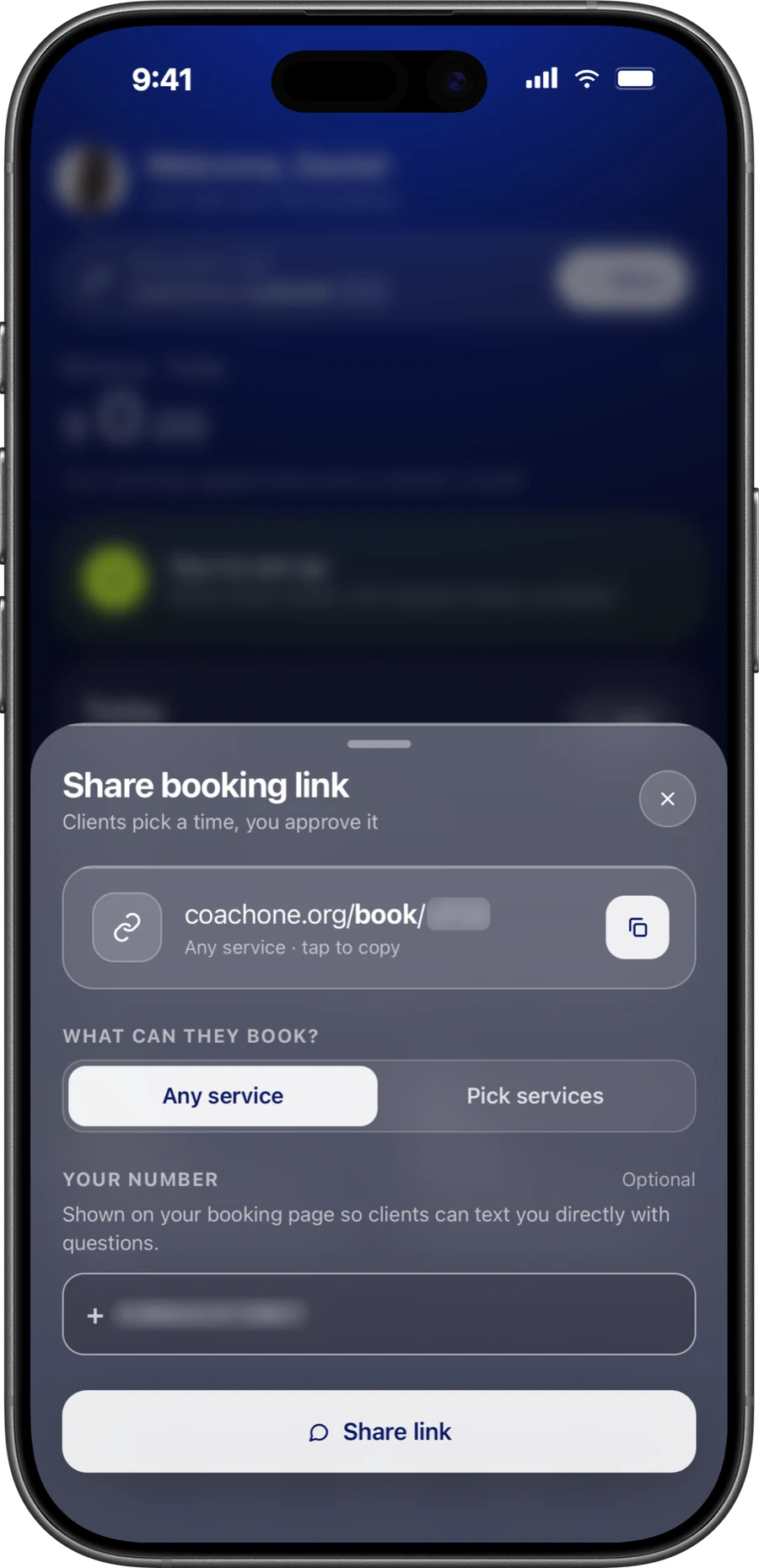
Share your link.
Send it on WhatsApp, Instagram, or anywhere else. Clients book in the CoachOne app, or online without downloading anything.
- 03
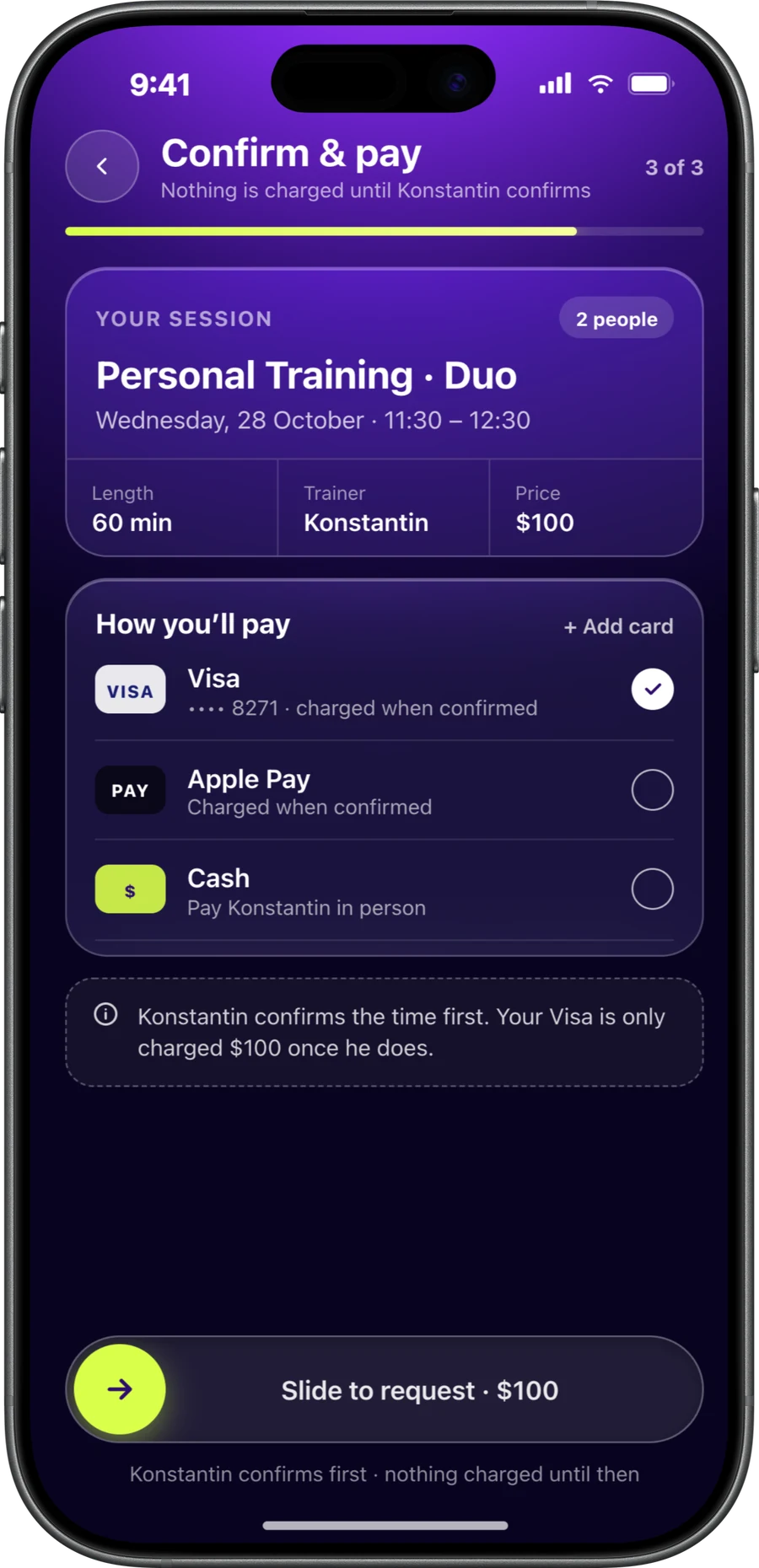
Clients book and pay.
They pick a time and pay by card, Apple Pay, or cash. No back and forth.
- 04
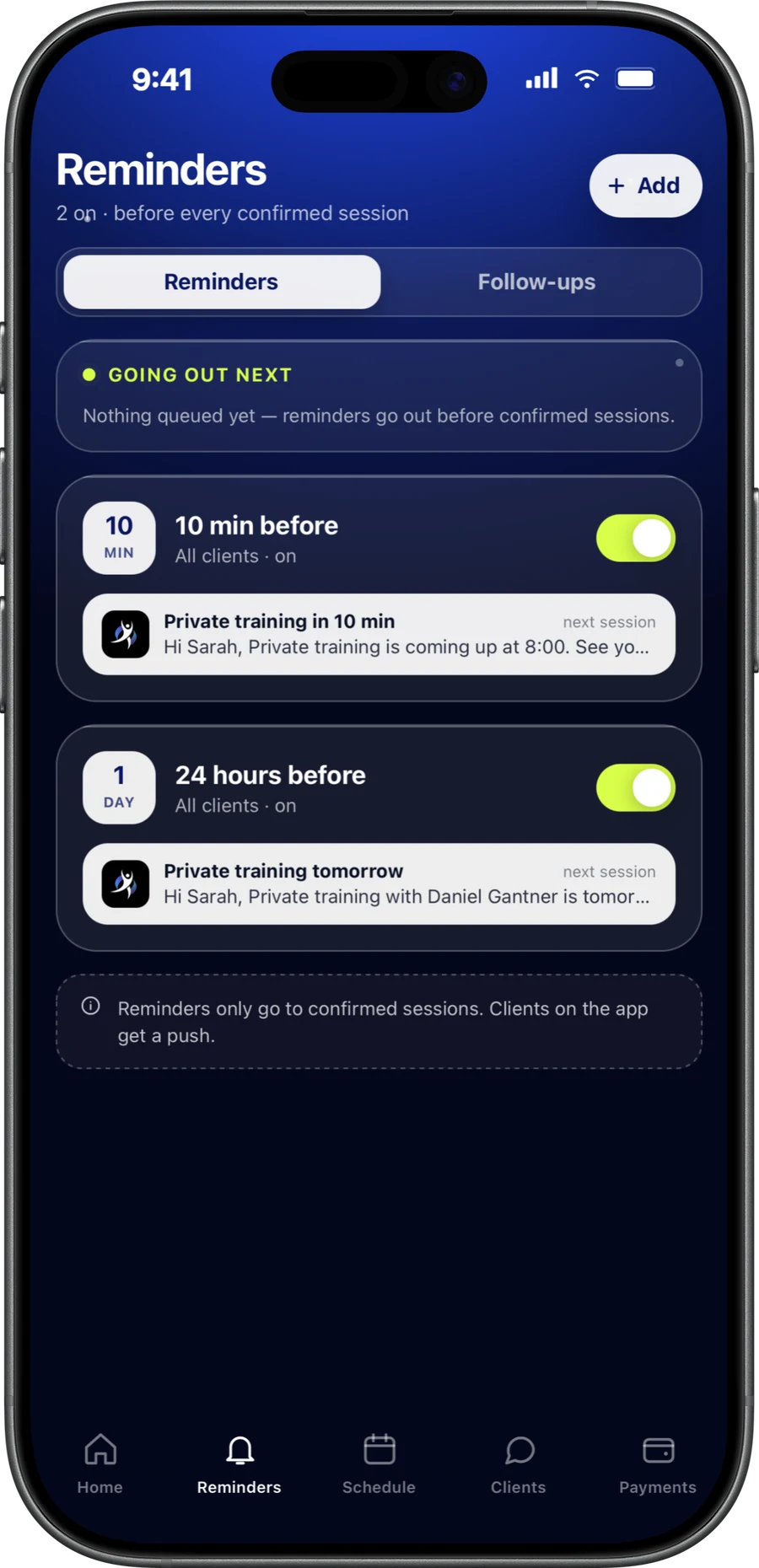
Reminders go out for you.
Clients get a reminder before every session, in the app or by email. Fewer no-shows, no texting.
Only what you need.No useless stuff.
- Chat
Every client, one chat.
Keep messages, bookings, and reschedules in one chat per client. No more digging through WhatsApp to find who booked what.
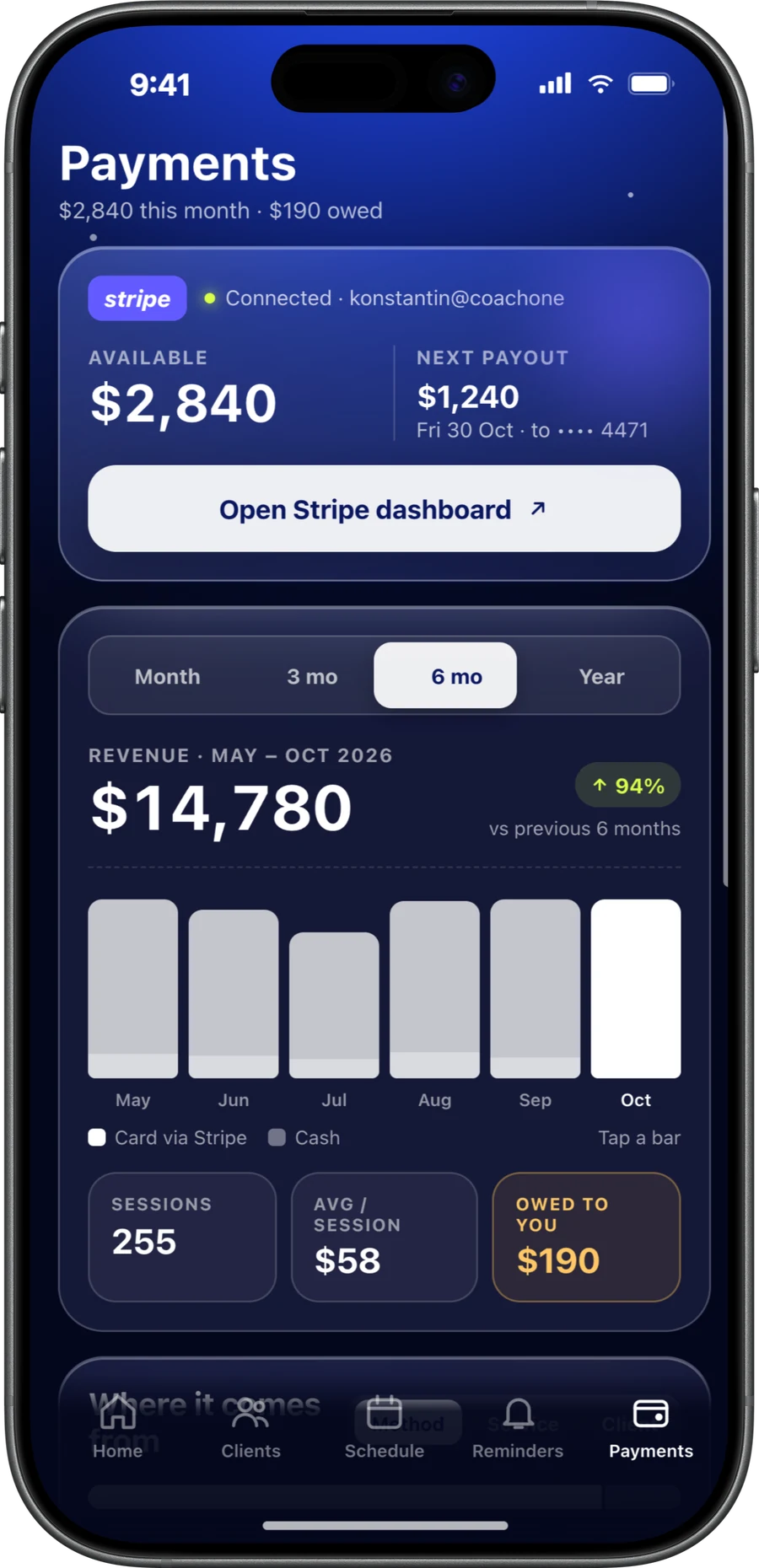
- Payments
Payments ready in 3 minutes.
Verify once in the app, then accept card and Apple Pay. Cash sessions are tracked right next to them.
- Booking link
Share one link.
Clients book in the CoachOne app, or online from any phone without downloading anything. Whatever is easier for them.
- Schedule
Set your schedule once.
Add your sessions, prices, and free times. Offer private, duo, or group sessions. Change anything and it updates instantly.
- Online sessions
Online coaching, set up for you.
Connect Google Calendar. Every booking gets a Google Meet link, and your sessions show up in your calendar.
- Reminders
Clients remember. And come back.
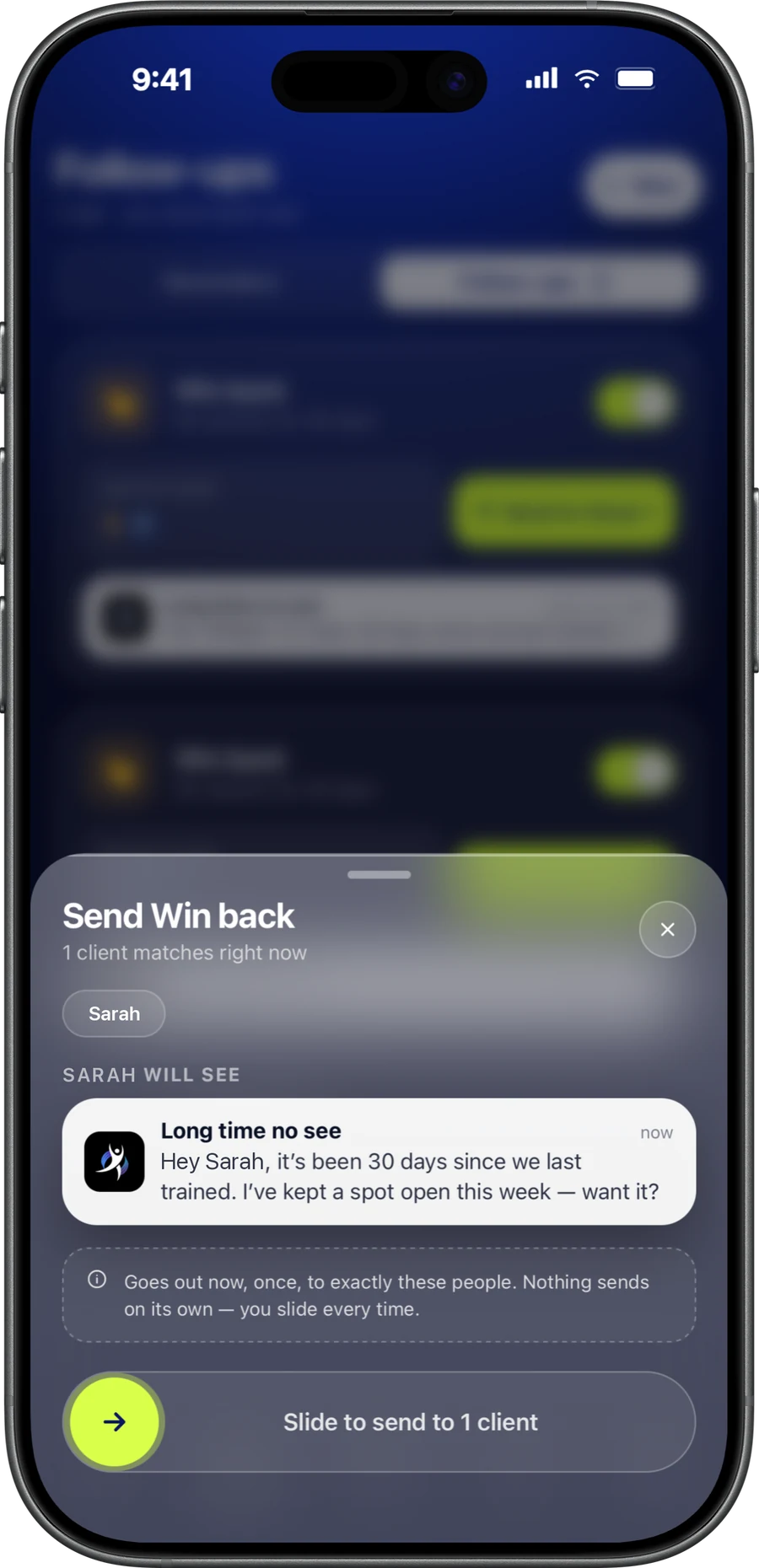
Reminders go out before every session. Follow-ups bring quiet clients back to book again.
What your clients get.
A real app for your clients, not just a booking form. They chat with you, book, pay, and track their progress in one place.
Book in a few taps.
Clients choose a session and book whenever it suits them.
Choose a session. Private, duo, or group.
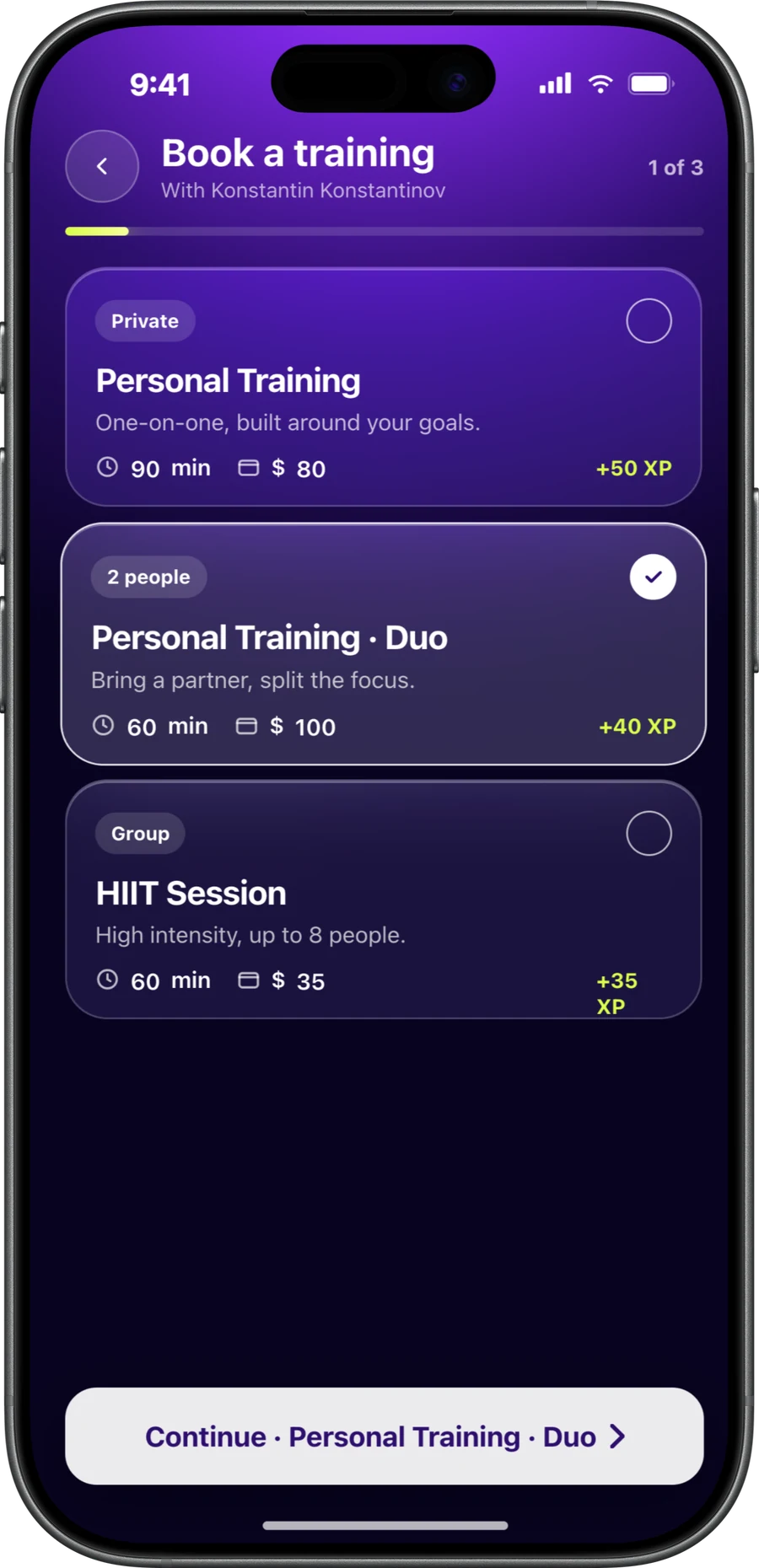
Pick a time. Only your free times show up.
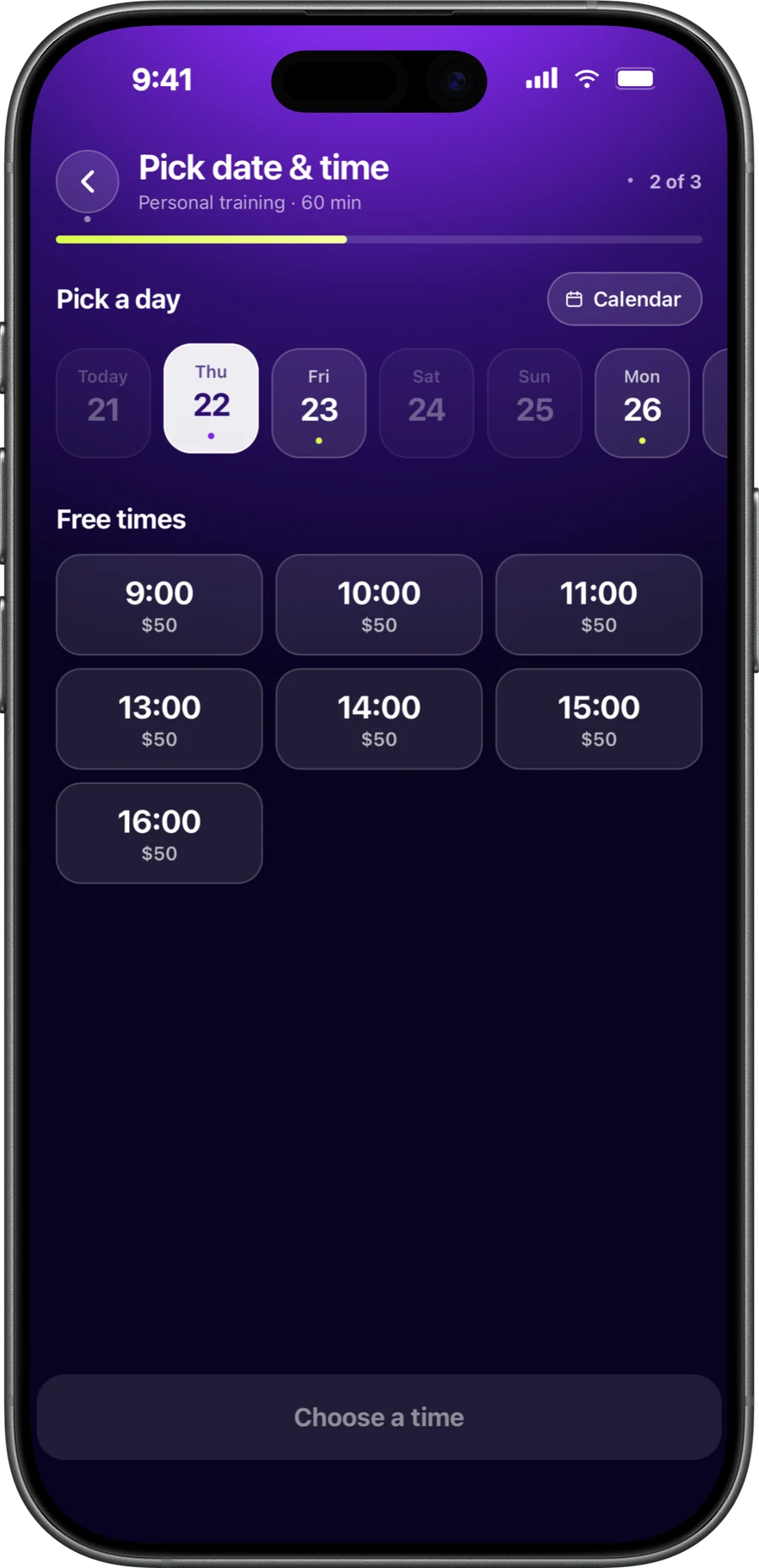
Pay their way. Card, Apple Pay, or cash. Cards are saved securely.

Private tennis tomorrownow
Hi Sarah, Private tennis with Konstantin is tomorrow at 9:00.
Konstantin2h ago
Done. See you Friday!
Rescheduled2h ago
Private tennis moved to Friday, 9:00.
- Chat with you. Keep conversations and bookings together in one place.
- Stay on top of sessions. See upcoming sessions and their status at a glance.
- Cancel or reschedule. Manage bookings directly in the app, without messaging back and forth.
- Never miss a session. Clients get a reminder before every session.
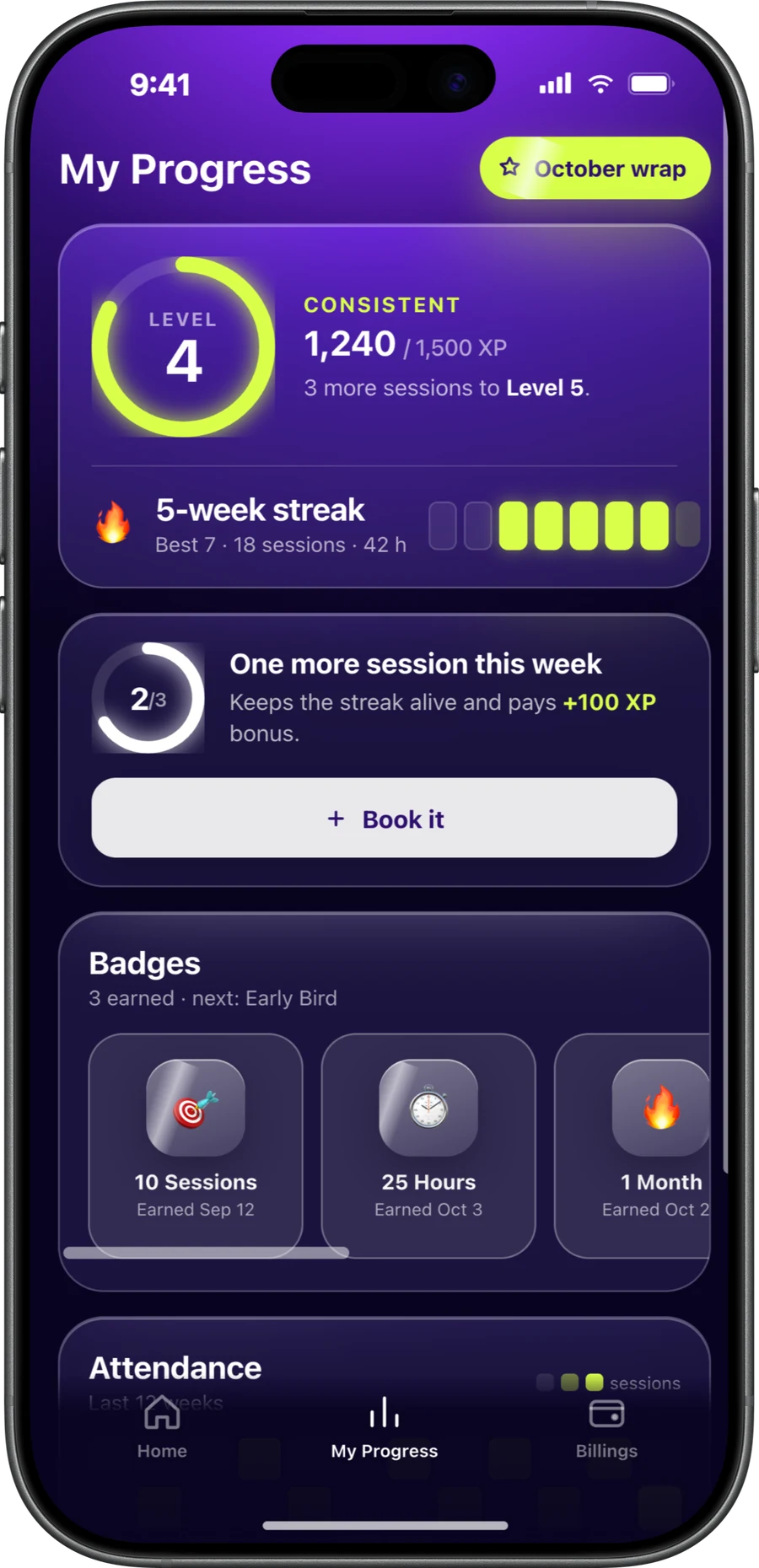
Clients who see their streak keep coming back.
Total hours, weekly streaks, and badges give your clients a reason to book the next session. That's retention you don't have to chase.
 coachone.org/book/yourname
No app? No problem.
Clients who don't want to download anything can still book and pay through your link, on any phone. Reminders reach them by email.
Five tools.Or one app.

Before
Five tools.
- WhatsApp, DMs, phone calendar, spreadsheet, bank app
- Chasing clients to pay
- Texting reminders by hand
- Booking apps you gave up on
- No idea what you earned
After
One simple app. Set up in minutes.
- One chat for every client and every booking
- Clients pay by card, Apple Pay, or cash
- Reminders and follow-ups sent for you
- Set up between sessions, no training
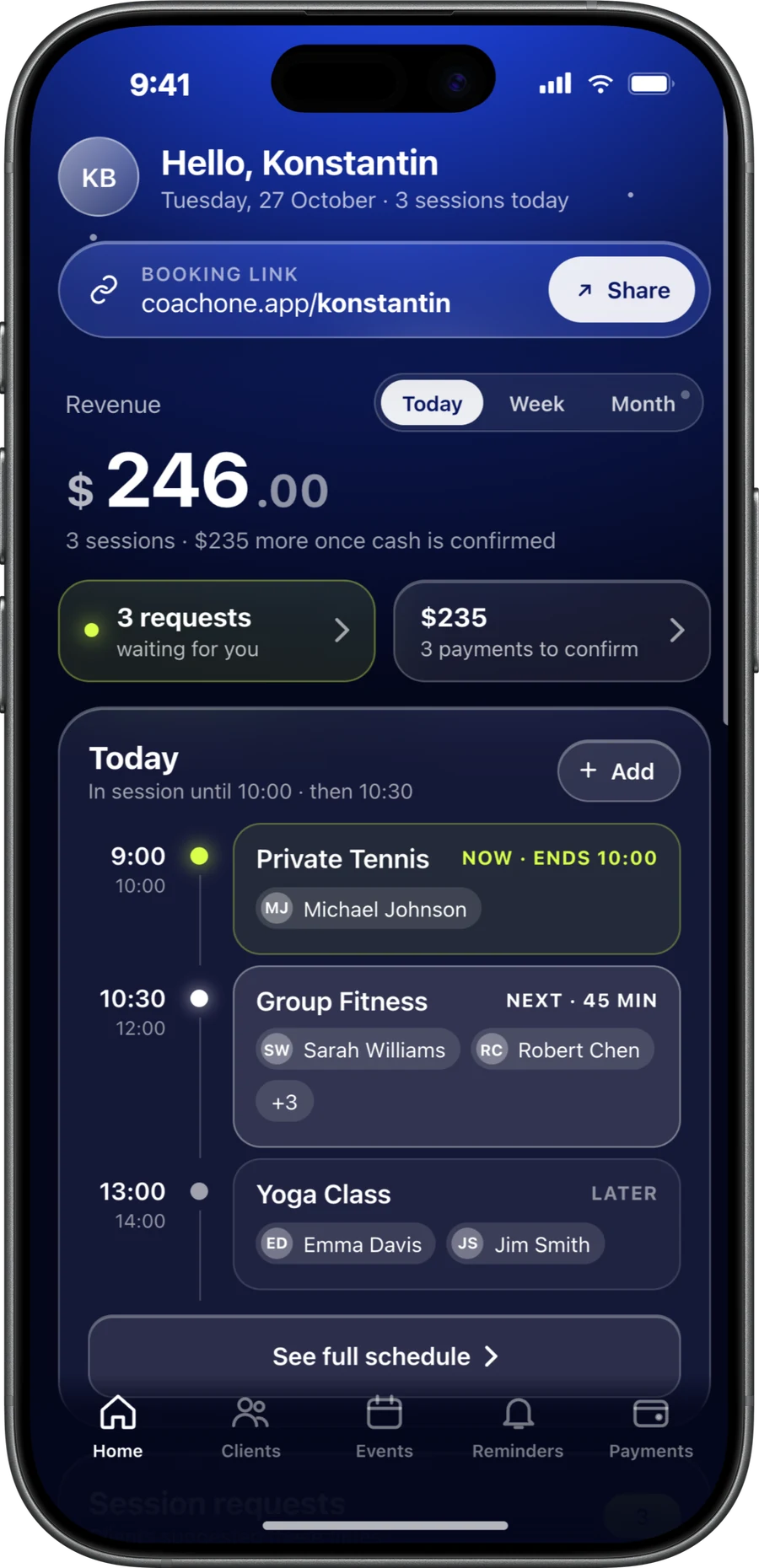
- Your earnings on one screen
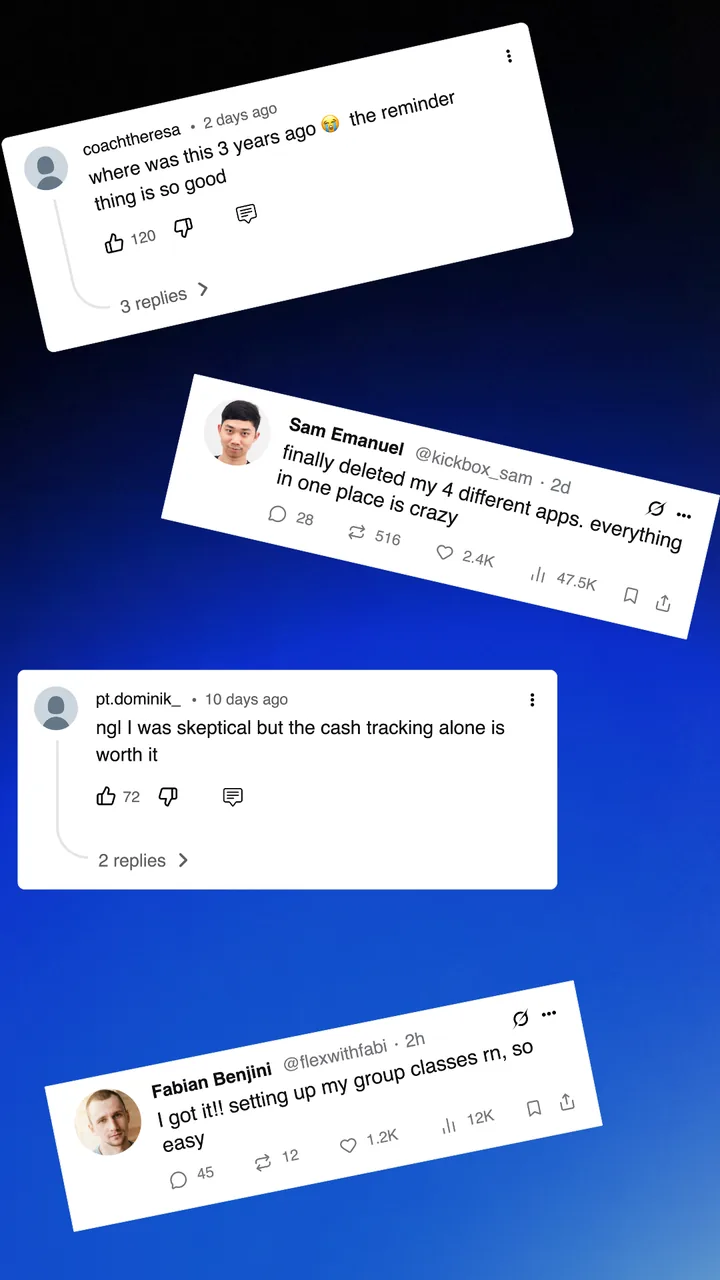
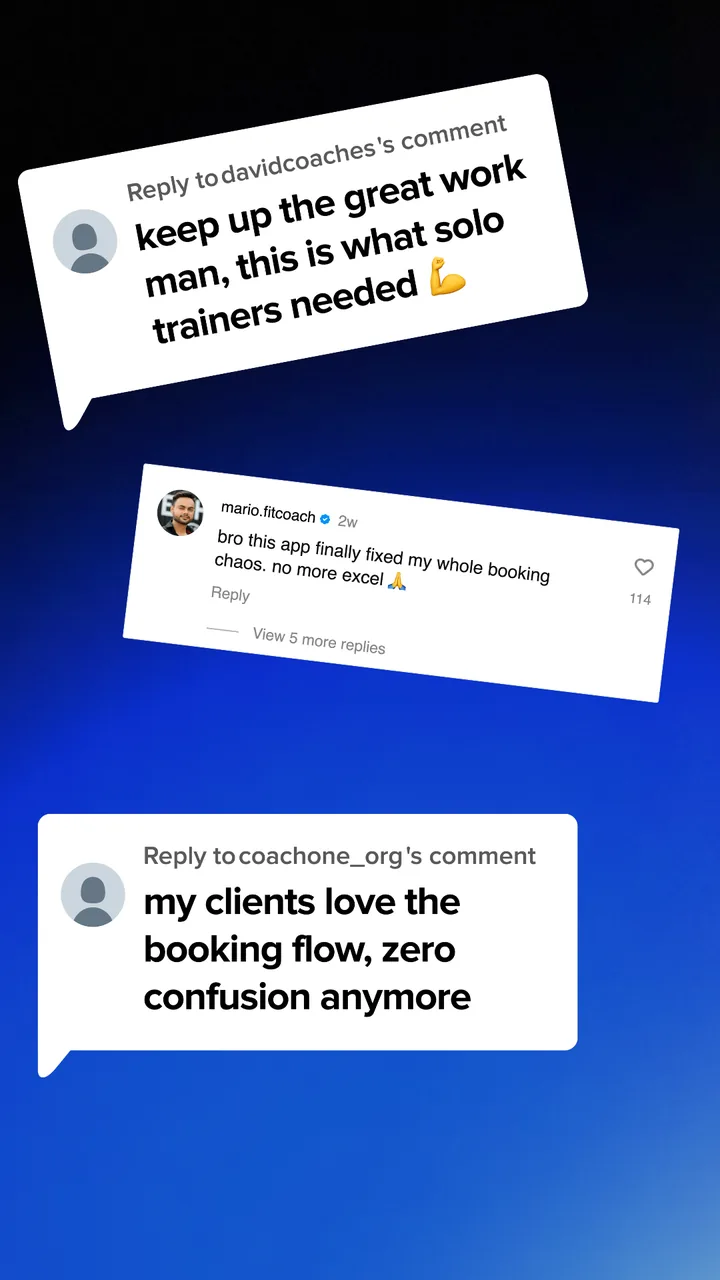
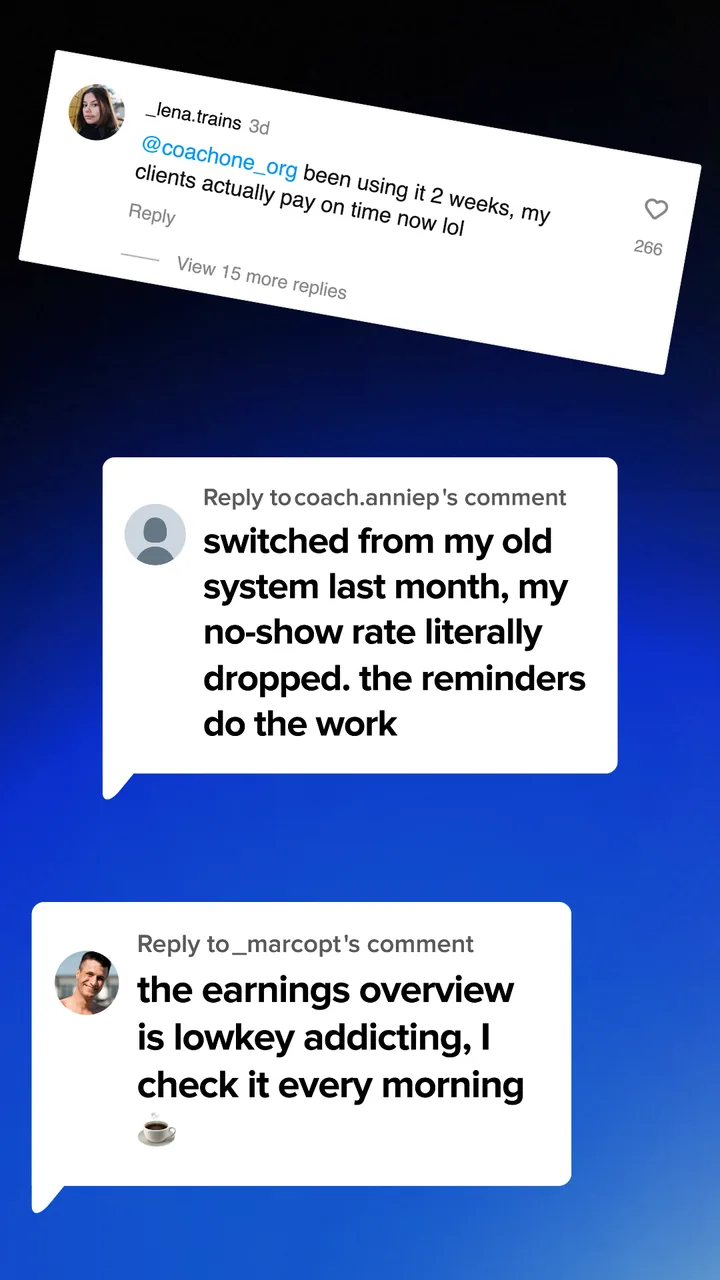
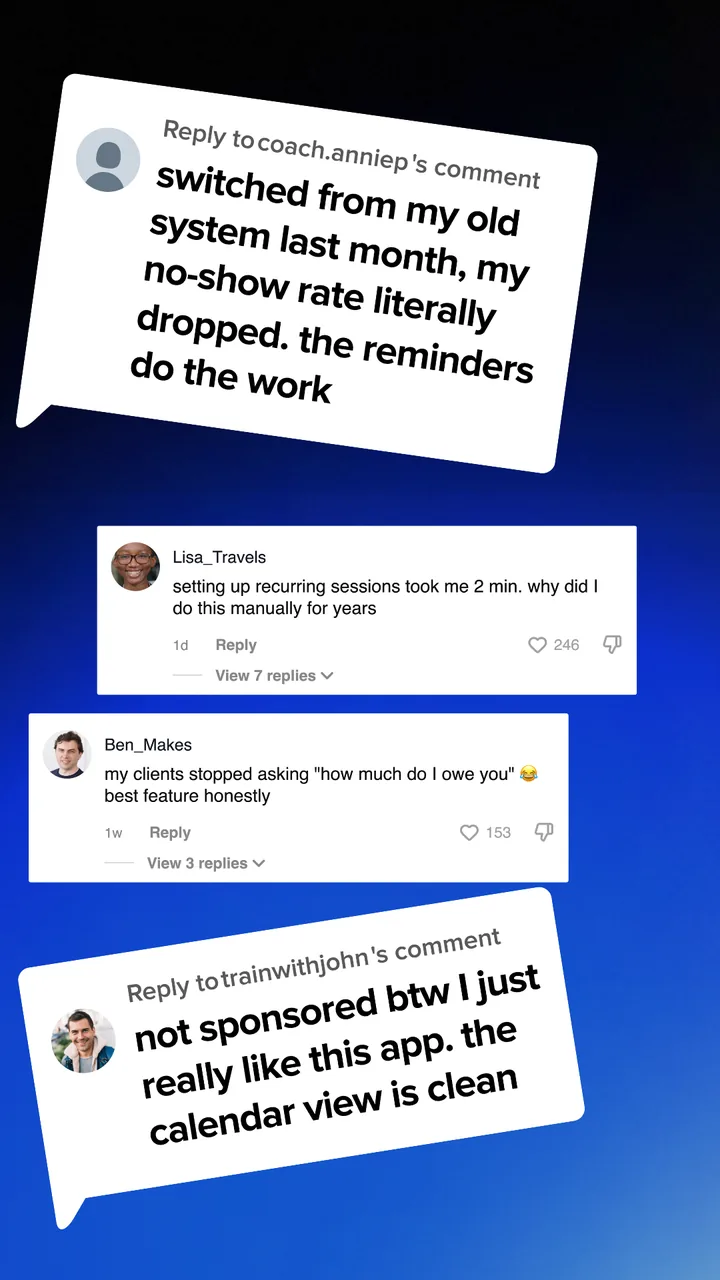
What trainers sayon TikTok and Instagram.
Screenshots from the comments under our TikTok and Instagram posts.
Questions trainersask us.
CoachOne is free to use. There is no subscription and no monthly fee. You only pay a commission on card payments: a 3% Platform Fee plus Stripe's processing costs. Cash sessions cost nothing.
Yes. Every client gets one chat with you. Bookings and reschedules show up right in the conversation, so nothing gets lost.
Add your first session, set your times, and share your link. Card payments take about 3 minutes: put your info in once and you're ready. You can also skip that and run cash sessions only.
Clients get a reminder before every session, in the app or by email if they booked through your link. For follow ups, pick a client or a session, choose when it goes out (once or on repeat), and it sends on its own. Quiet clients get a nudge to book again.
Yes. Clients can book and pay through your link online, on any phone, without downloading anything. Reminders reach them by email. Clients who want more can use the CoachOne app to chat with you and track their progress.
Put your info in once in the app. After a quick identity verification, you can accept card payments and Apple Pay from clients. It takes about 3 minutes.
Yes. Mark a session as cash, confirm it when you receive the money, and it shows up in your earnings next to your card payments. There is no commission on cash sessions.
No. You can run cash sessions only. If you want to accept card payments and Apple Pay, complete a quick identity verification in the app. Payments are processed by our payment provider, Stripe, and paid out to your bank account.
A card is held at booking and charged after the session ends. Sessions can be cancelled or rescheduled without manual refunds, because the hold is simply released. No-shows follow your policy. Our support team helps with disputes using full transaction logs.
The trainer app is for iPhone. Your clients can use the iPhone app, or book and pay through your link online from any phone, including Android.
Yes. Downloading and using the app costs nothing, with unlimited clients and sessions. CoachOne only earns when a client pays you by card, through the 3% Platform Fee.
Yes. Create private, two person, and group sessions side by side, each with its own price, length, capacity, and payment methods.
Set a session to a fixed weekly time. Sessions repeat on their own and show up in your calendar. Edit the series at any time and the changes apply instantly.
Card details are handled by Stripe, a licensed payment provider. CoachOne never sees or stores full card numbers. All other data is stored securely on servers in the UAE.
CoachOne is based in the UAE and does not share data with foreign authorities unless required through an official governmental process. Any request applies only to an individual trainer, not the full database. All data is securely stored on UAE servers.
Your next clientcan book tonight.
Download CoachOne, set your usual hours, and share your link.
iOS · Free to use